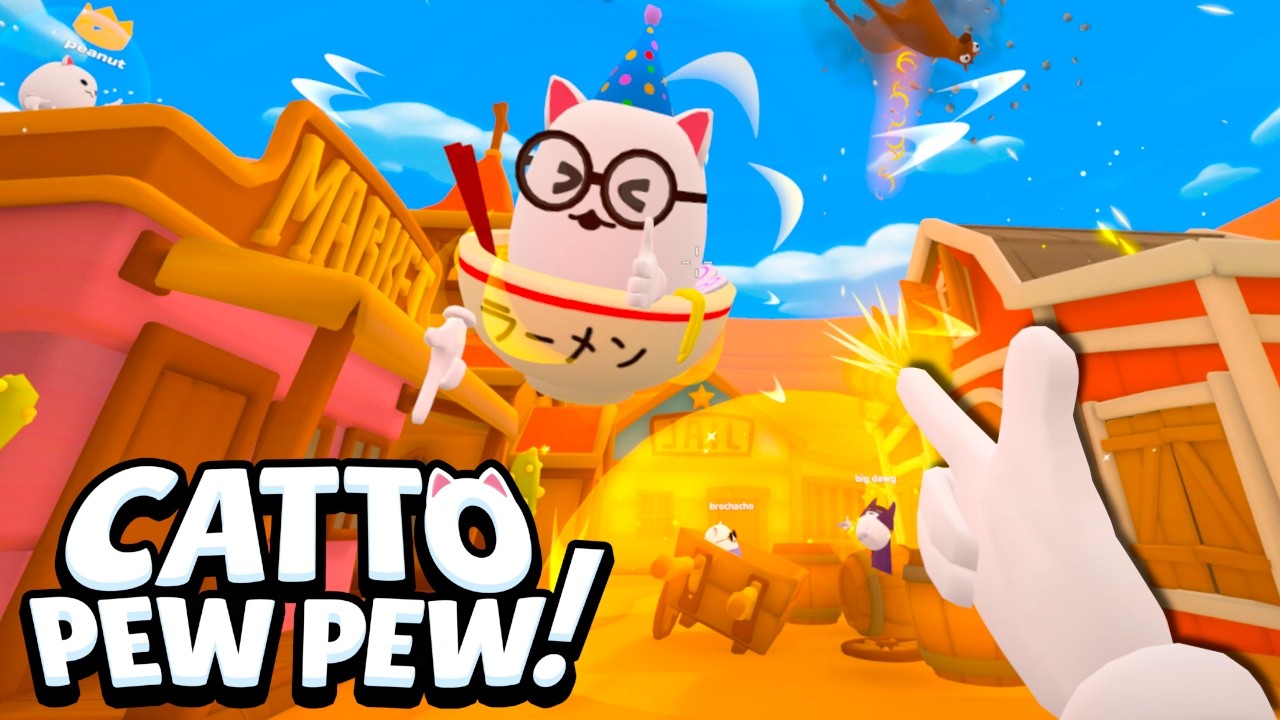
Catto Pew Pew ships with cross-platform multiplayer enabled by default — VR and flatscreen players share public lobbies and private rooms. Oakley Blade Games designed the 2026 release around this feature after CLASSIC lacked VR entirely. This guide explains how crossplay works, where balance differs, and how groups should setup mixed sessions.
How Crossplay Works
Steam PC players using keyboard, mouse, controller, or VR headsets queue into the same matchmaking pool by default. No separate PC-only or VR-only queues in standard public lobbies.
Meta Quest players currently connect through Steam Link streaming from a PC — native Quest app arrives Summer 2026 with promised crossplay parity.
Account progress syncs through the Catto Pew Pew Account System regardless of whether you play flatscreen or VR in a given session.
Movement Advantages by Platform
VR Monke Mode enables arm-swing parkour and vertical routes impossible on flatscreen. Maps with high ledges favor experienced VR players.
Flatscreen offers stable ground movement, faster 180° turns with high mouse sensitivity, and easier tracking of airborne targets.
Neither platform dominates every map. Knockback Canyon rewards VR verticality; Fog Battle neutralizes vision advantages and tightens audio skill gaps.
Fair Mixed Lobby Practices
Friend groups should rotate gamemodes — Race and CTF structure teams fairly; pure FFA on vertical maps frustrates flatscreen-only nights.
Private lobbies let groups agree on locomotion rules or map bans before queuing. Communicate in Discord when proximity chat is not enough.
Use our Gamemode Picker tool when the group splits on VR vs PC fairness — it suggests modes balancing both platforms.
VR Player Setup for Crossplay
Configure thumbstick or Monke Mode before joining friends — mid-match settings changes distract teammates in ranked lobbies.
Steam Link Quest players need stable PC ethernet and 5 GHz Wi-Fi on headset. Network lag hurts VR more than flatscreen in physics fights.
Push-to-talk reduces open-mic noise when VR room audio bleeds into proximity chat.
Flatscreen Player Crossplay Tips
Aim for knockback follow-up shots when VR players are airborne — they sacrifice recovery options mid-flight.
Learn spawn timings on open maps. Flatscreen pathing across flat terrain reaches powerups quickly between engagements.
Do not chase VR players up vertical routes. Control ground powerups and cut off landing zones instead.
Frequently Asked Questions
Can I disable crossplay?
Public lobbies are mixed by default. Private rooms may offer platform restrictions depending on lobby settings — verify in host options.
Will native Quest crossplay with PC at launch?
Developer and Meta store marketing confirm cross-platform multiplayer including VR and flatscreen for Summer 2026 Quest release.
Is VR required for ranked climbing?
No. Top flatscreen players climb ranks regularly. VR adds movement options but does not guarantee wins.
Does crossplay affect proximity chat?
Yes — spatial voice works across platforms. VR mics may sound louder due to headset placement; adjust volumes in settings.
Related Pages
All Guides
Whether you downloaded Catto Pew Pew on launch day or you are waiting for the native Meta Quest release, this guide hub collects every tutor…
How to Play
Catto Pew Pew! is a free physics-based arena shooter where finger guns launch opponents with knockback force. Whether you play on PC or VR, …
How to Play in VR
Playing Catto Pew Pew in VR transforms the arena shooter into a physical comedy experience — you literally point finger guns, swing through …
How to Download
Catto Pew Pew launched free on Steam July 20, 2026. There is no paid base game — you download from Steam, create a Catto Pew Pew account, an…
How to Win Matches
Winning Catto Pew Pew matches consistently requires more than fast clicking — knockback direction control, map hazard awareness, powerup tim…
How to Climb Ranks
Climbing ranks in Catto Pew Pew means accumulating trophies through consistent match performance across weeks of play. There are no shortcut…